 POSRaven
Square
A free POS plan, with processing fees on each card sale. Hardware and paid add-ons are sold separately. Check Square's website for its current pricing.
SQUARE ALTERNATIVE
Square is popular and has a free plan, but it earns its money by charging a fee on every card payment. POSRaven works the other way: it records your sales, keeps your stock and prints receipts for one flat plan price, and you keep whichever card provider you like.
Free registered plan · $0 USD per 30 days · Works in your web browser
THE KEY DIFFERENCE
Both tools help small businesses sell. The biggest difference is how you pay for them.
A free POS plan, with processing fees on each card sale. Hardware and paid add-ons are sold separately. Check Square's website for its current pricing.
A flat price per 30 days, from $0 to $150, with published limits. POSRaven does not process cards, so it takes no percentage of your sales.
Because POSRaven only records payment methods, you can keep a card reader you already have and use POSRaven for sales, stock and reports.
WHEN POSRAVEN IS A GOOD FIT
POSRaven suits small shops that want predictable costs and simple tools, especially businesses where Square's card processing is not available or not the best value.
Start free with POSRavenTo be fair, Square is a strong product. If you want card processing, hardware, payroll and online stores from one company, and you sell in a country Square supports, its all-in-one approach can be convenient.
POSRaven is deliberately simpler. It focuses on checkout, products, stock, customers, invoices and reports. It does not offer payroll or its own card processing.
To compare fairly, add up a typical month. For Square, include the processing fees on your card sales plus any paid add-ons. For POSRaven, take the plan that fits your product and sales volume, such as Pro at $5 for 500 sales or Premium at $19 for 1,500 sales, plus whatever your current card provider charges.
Because Square's fees grow with your sales and POSRaven's price is flat, the gap usually widens as your shop gets busier. Always check both companies' current prices before you decide.
GET STARTED IN MINUTES
Create your POSRaven account with an email address. No card is needed for the Free Registered plan.
Enter your items with prices, and stock where it applies. In Retail mode you can print barcode labels.
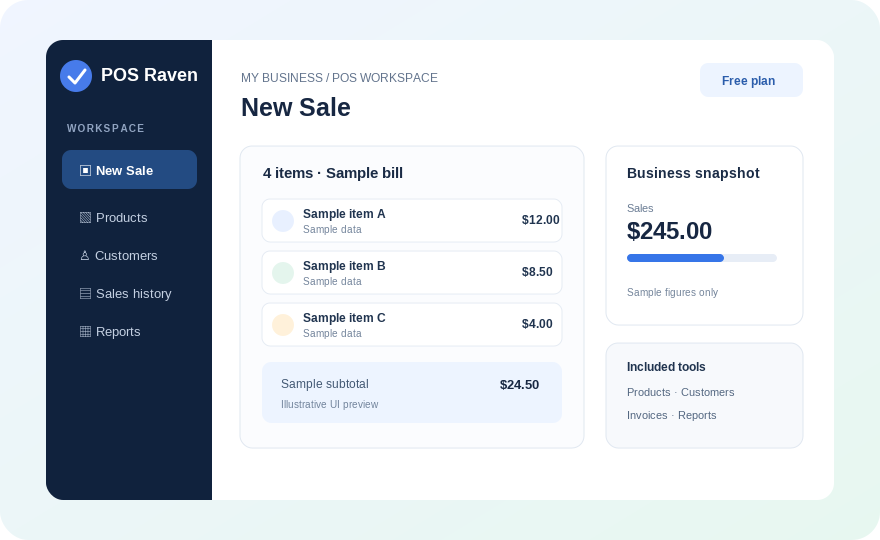
Build a bill, add a discount or tax, record how the customer paid and print an 80 mm or A4 receipt.
SIMPLE, PUBLISHED PRICING
| Plan | Price (USD / 30 days) | Products | Sales / period | Offline access |
|---|---|---|---|---|
| Free Registered | $0 | 5 | 10 | 1 min |
| Pro | $5 | 100 | 500 | 10 min |
| Premium | $19 | 500 | 1,500 | 30 min |
| Gold | $49 | 1,000 | 2,500 | 60 min |
| Enterprise | $150 | Unlimited | Unlimited | 120 min |
Paid plans renew every 30 days until canceled. Prices and limits can change; the Pricing page and checkout always show the current amount before you pay.
HELPFUL ANSWERS
POSRaven has a Free Registered plan at $0 per 30 days with limits of 5 products, 5 customers and 10 sales. Paid plans start at $5 per 30 days.
You can add your products and prices into POSRaven manually. Start with your best sellers on the Free plan to test the workflow.
No. POSRaven runs in a web browser on a computer, tablet or phone. You can print receipts on an 80 mm thermal printer or a normal A4 printer, and use a barcode scanner if you have one.
No. POSRaven records how each sale was paid (cash, card, mobile wallet and so on). You keep whatever card terminal or payment provider you already use, so POSRaven does not take a percentage of your sales.
Yes. Paid plans run for 30 days and renew until you cancel. You can stay on the Free plan as long as its limits fit your shop.
Register free and compare POSRaven with your current system on real sales.
Start free with POSRaven