 POSRaven
Restaurant mode
Choose Restaurant as the business mode and organize a food catalog for the sales workflow.
POINT OF SALE FOR FOOD BUSINESSES
Run a clear counter-sales workflow for a cafe, takeaway counter or small restaurant. POSRaven provides restaurant and quick-service modes alongside product, checkout and invoice tools.
Free registered plan · $0 USD per 30-day period · Published limits apply
Restaurant POS Software
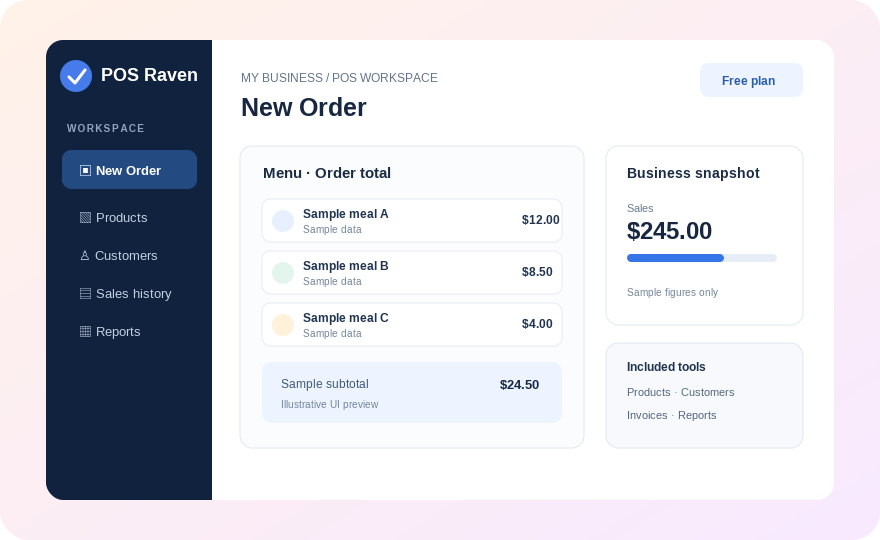
Keep the customer-facing sales flow centered on products, quantities, payment and a clear bill.
Choose Restaurant as the business mode and organize a food catalog for the sales workflow.
Use the Quick Service mode for counter-focused selling where a compact checkout flow suits the business.
Record payment details and prepare invoices; review sales history and reports according to the plan allowance.
BUILT FOR DAILY OPERATIONS
Give staff a consistent place to select items and total a customer order, while keeping the published limits visible.
Try POSRaven for your restaurantFREE REGISTERED PLAN
The registered Free plan is $0 USD per 30-day period. Its allowances are separate from the temporary Guest Preview.
Guest Preview is temporary and permits 3 demo sales. Use Pricing for current plan details and terms.
HELPFUL ANSWERS
The account setup includes a Restaurant business mode. POSRaven also offers a separate Quick Service mode.
The current public feature information does not describe table management or kitchen display integrations. Confirm any required restaurant-specific workflow before adopting the system.
You can organize products in the catalog and use them in checkout. The current free registered plan allows up to 5 products per 30-day period.
The registered Free plan is listed at $0 USD per 30-day period. It currently includes 10 sales and 20 invoice prints per period, alongside other limits shown in Pricing.
Create a free registered account, explore the POS workflow and compare plans based on your product, customer and sales needs.
Register for POSRaven